

Renovation of an Active Learning Studio to Support Student-Centered Learning
Project Background
The College of Bioresource Sciences, Nihon University located in Fujisawa City, Kanagawa Prefecture, promotes advanced research and education across a wide range of biological and life science fields. In celebration of its 60th anniversary in 2012, the university constructed the “60th Anniversary Memorial Building” under the concept of a “Collaboration-driven hub that fosters dynamic engagement.”
Within the building, an Active Learning Studio was established as a learning environment where students can engage in active learning and collaborate with one another.
This project focused on renovating the studio into a space that further enhances learning effectiveness, encourages co-creation, and improves usability.
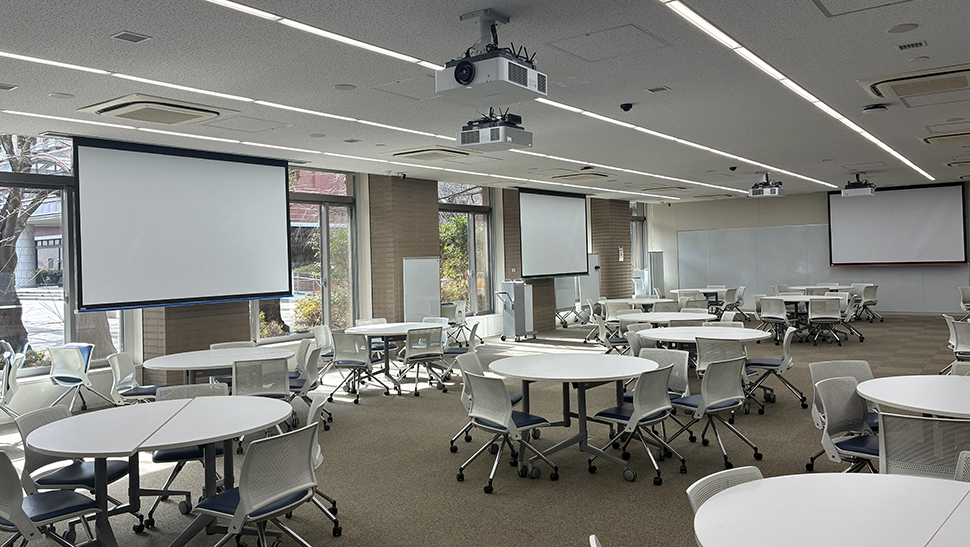
Active Learning Studio
System Configuration
・The existing projectors were upgraded to laser light source models, providing higher brightness and improved maintenance efficiency.
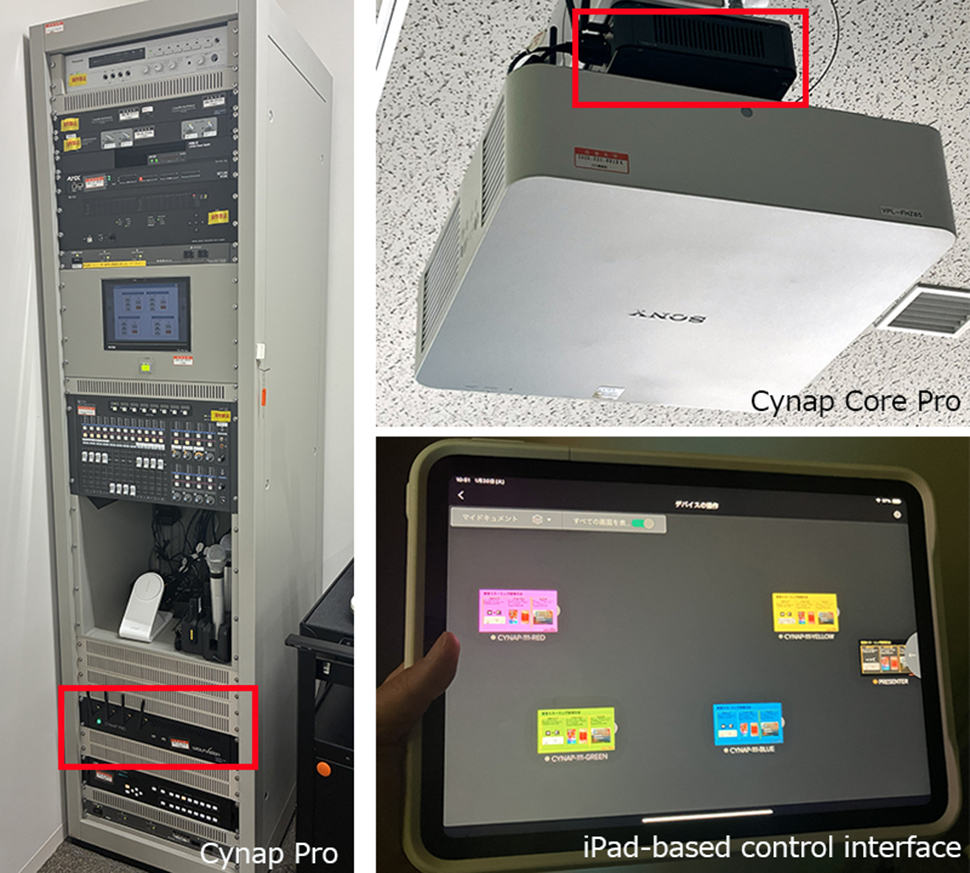
・To enable more flexible group work, the WolfVision wireless mirroring system “Cynap” and the AV-over-IP–based collaboration solution “vSolution Matrix” were implemented.
Group Work Environment
Active learning emphasizes small-group, interactive, face-to-face collaboration aimed at solving problems. The space is designed to flexibly support a variety of group work configurations.
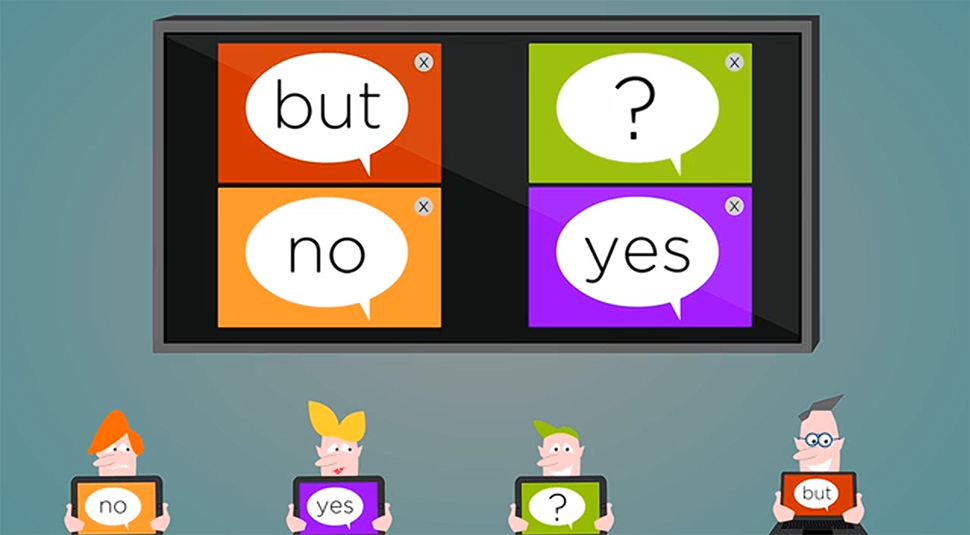
Students can wirelessly mirror the screens of their own devices to the displays without requiring dedicated dongles or applications.
Instructors can freely control the content displayed on each group’s screen using a control panel.
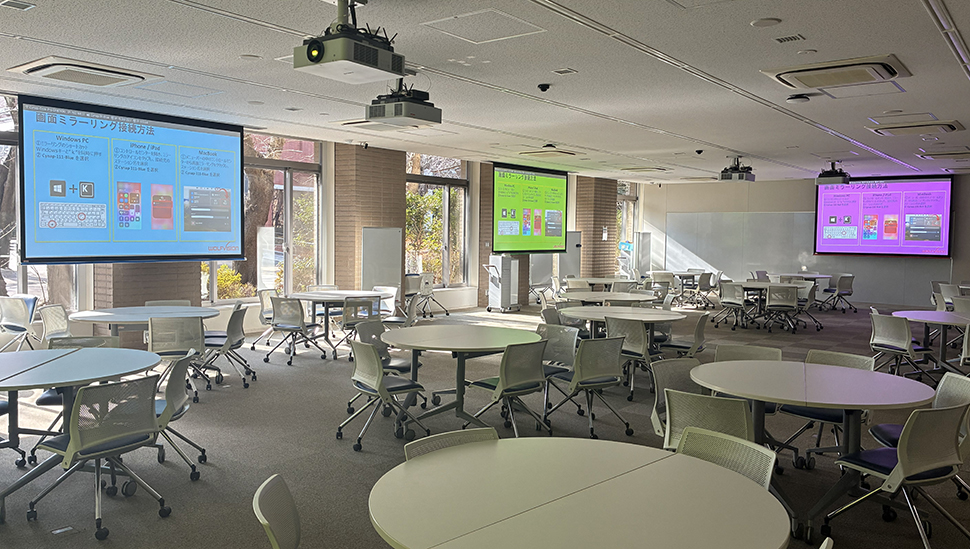
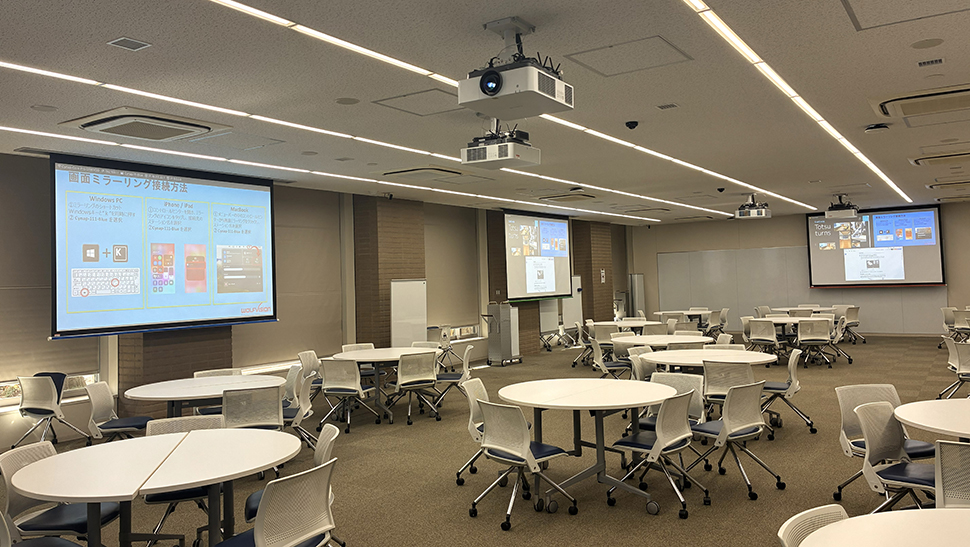
Contents from each group can be freely arranged and displayed on other group screens
(up to four screens simultaneously)
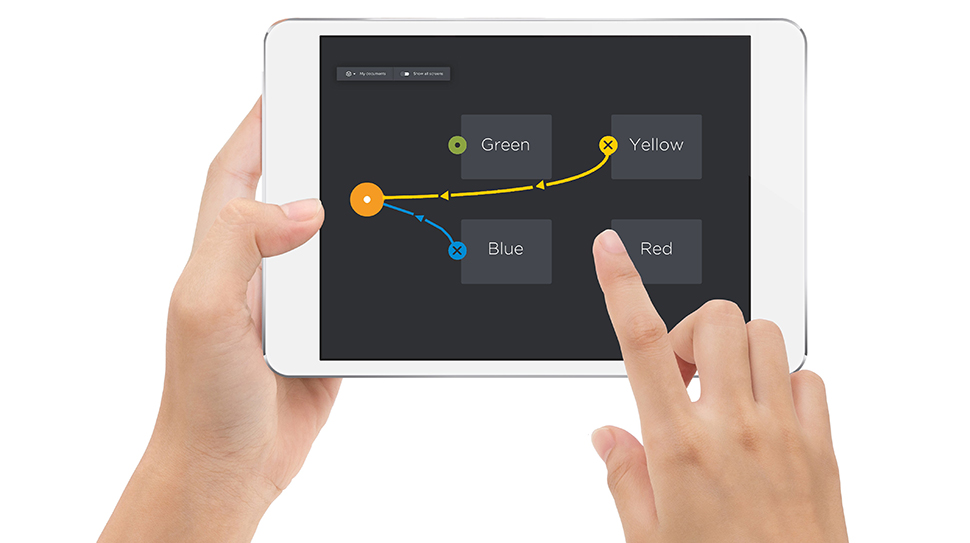
The system can be intuitively operated via an iPad-based control interface.
Key Functions of “vSolution Matrix” for Active Learning
Group Work Functions:
Screen Sharing
Using simple drag-and-drop operations, screens can be shared between instructors and individual groups.
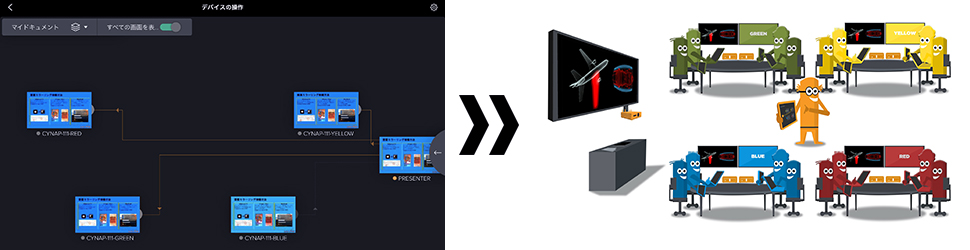
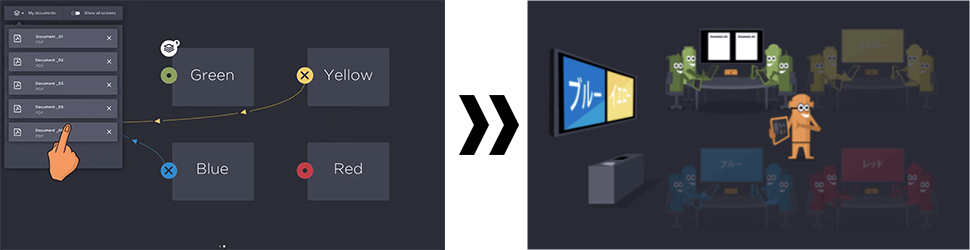
Assignments File Distribution
Assignment files can be distributed to instructors or groups through simple drag-and-drop operations.
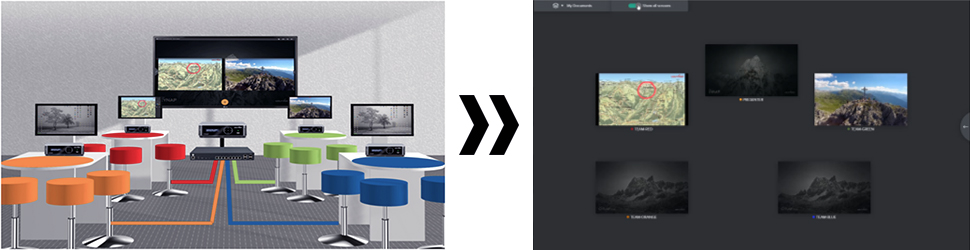
Preview Function
Instructors can preview each group’s screen, enabling them to monitor progress and activities in real time.
Station Functions:
BYOD Mirroring
Up to four devices can be displayed simultaneously with no application and dongle required.
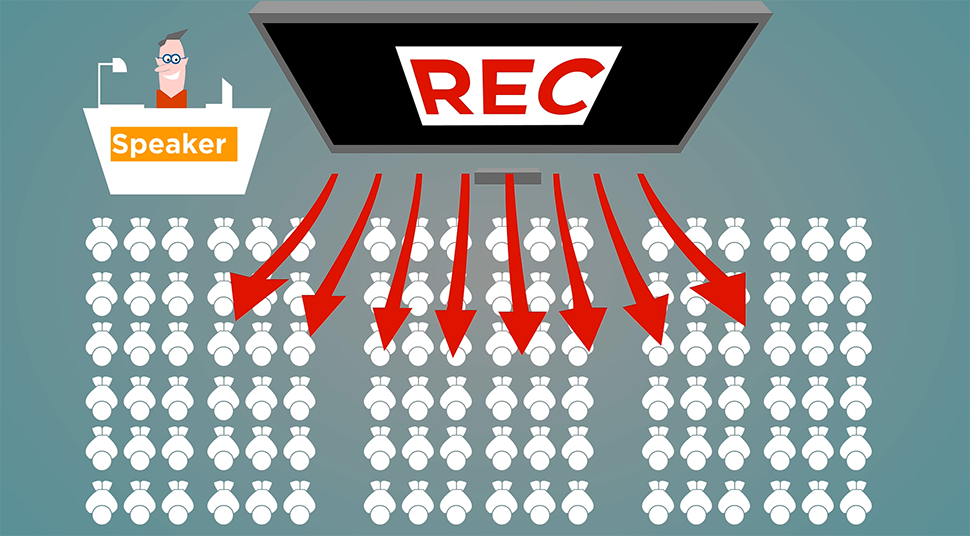
Recording and Streaming
Lectures and group presentations can be recorded. The system also supports live streaming.
Digital Whiteboard Function
The system features built-in annotation and whiteboard functions.

Photos are taken by Totsu Co., Ltd.
and reproduction or use of the photographs is prohibited.