

Audiovisual System Upgrade in Classrooms and Conference Rooms
Transition of Multi-Display Systems to LED Displays and Conversion of PC Classrooms to BYOD Environments
Background
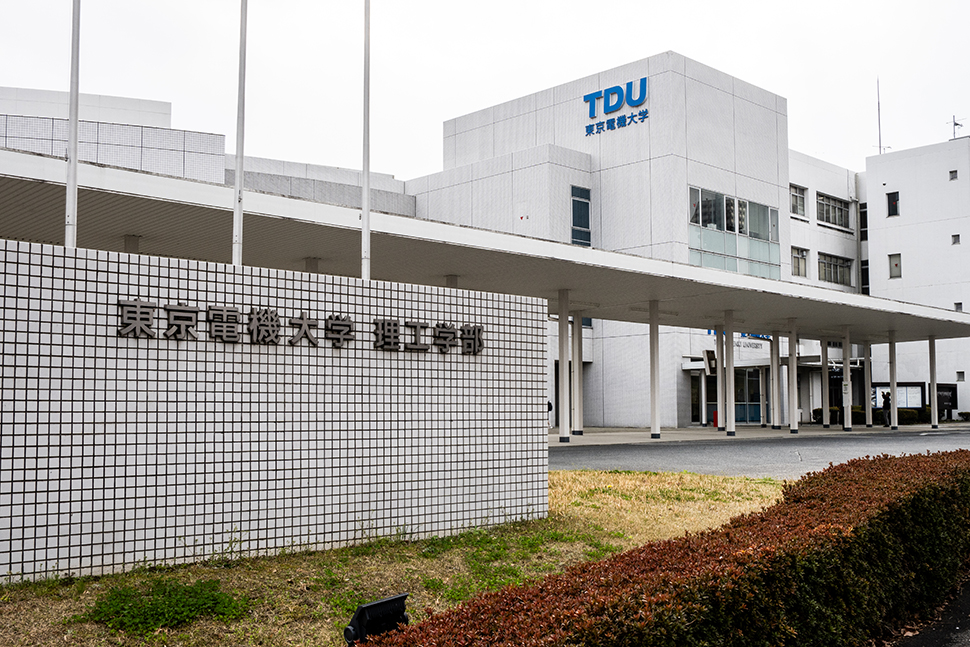
Since its establishment in 1907, Tokyo Denki University has produced many outstanding professionals under its educational motto of “In the Technology Breathes its Creator.”
The Hatoyama Campus was opened in Hatoyama, Saitama Prefecture in 1977, followed by the Tokyo Senju Campus in 2012 as part of the university’s 100th anniversary commemorative project.
To further enhance its educational and technological infrastructure, the university has upgraded the audiovisual systems at both the Tokyo Senju Campus and the Saitama Hatoyama Campus.
This case study introduces the upgraded facilities at the Saitama Hatoyama Campus.
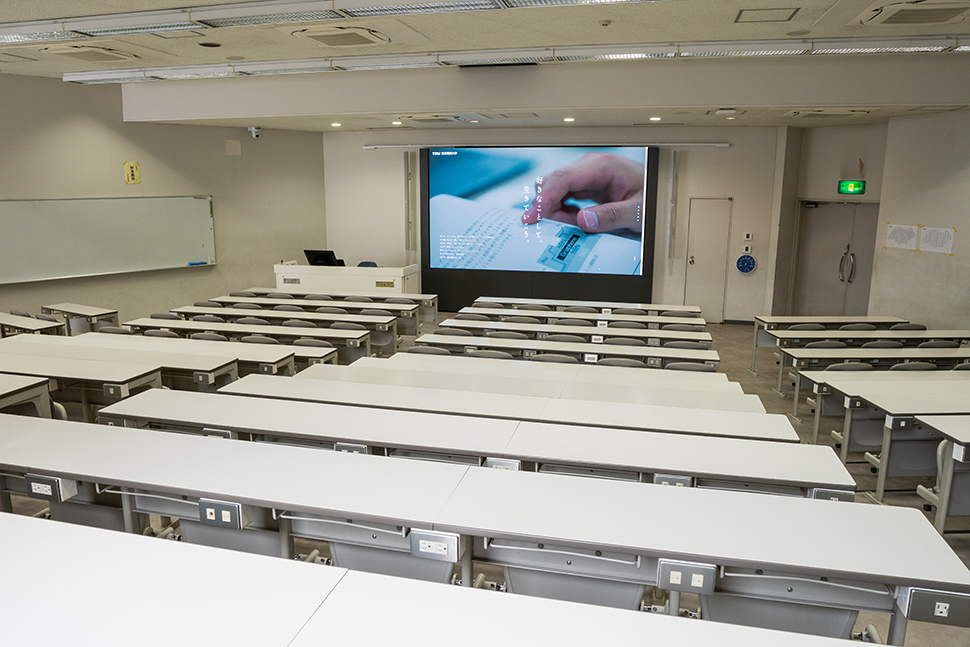
Media Rooms 1 & 2: 165-inch LED Displays
Media Rooms 1 & 2: 165-inch LED Displays
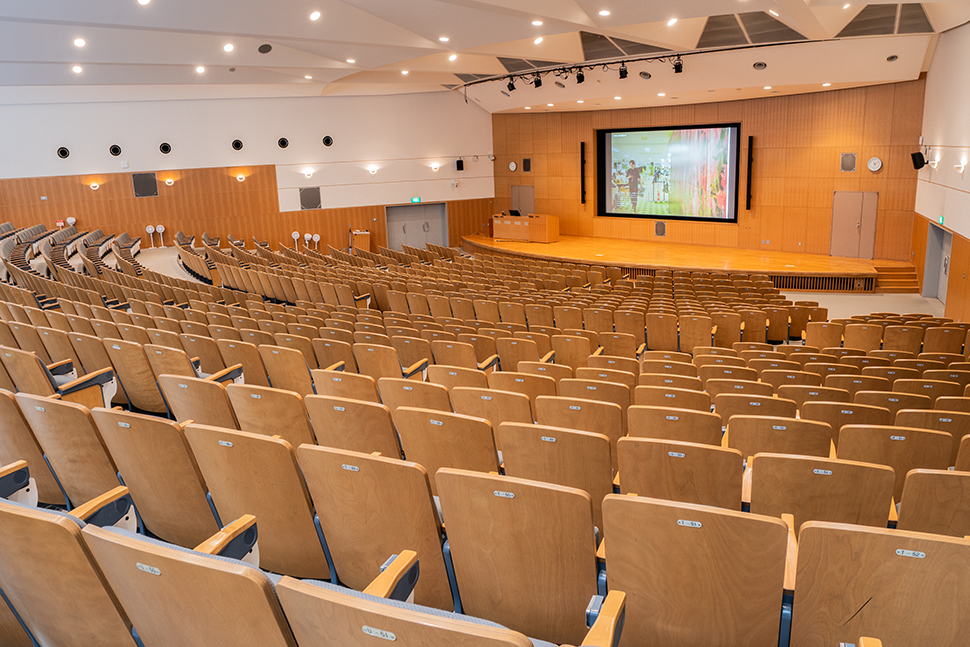
Presentation Hall (Capacity: 952): 250-inch Rear Projection System
Presentation Hall (Capacity: 952): 250-inch Rear Projection System
System Overview
Presentation Hall:
-Replaced the rear projection system projector with a 16,500 ANSI lumen short-throw projector
-Equipped with remote cameras at both the front and rear for hybrid operation
Media Rooms 1 & 2:
-Replaced the 9-screen multi-display wall with a 165-inch LED display
BYOD-Compatible Classroom (Capacity: 180):
-Converted from a PC-based classroom to a BYOD environment
-Installed 90 instructional display monitors
Conference Rooms:
-Video conferencing systems
-Equipped with projectors: two front screens and one center screen
-Installed two remote cameras to support hybrid meetings
Training Rooms:
-Four classrooms can be used either as one combined space or as separate independent rooms
-Hybrid-compatible configuration
Common Specifications:
Facility Management & Monitoring:
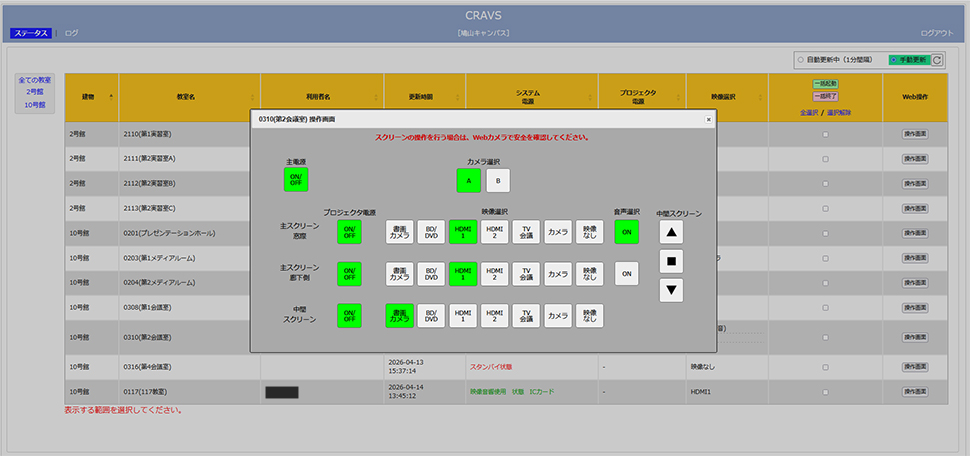
-Integrated classroom equipment management and monitoring system “CRAVS” (Totsu)
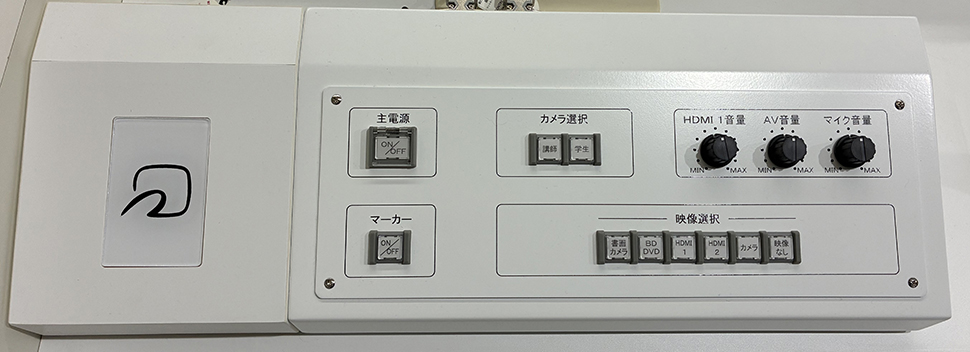
Card Key Authentication System for Control Consoles:
-System activation via contactless ID card authentication for authorized users
Annotation Function:
-Allows users to write or annotate directly on the displayed screen using a finger or pen
Media Rooms 1 & 2:
– Upgraded the 9-screen multi-display system to a 165-inch LED display
– Hybrid compatible configuration with annotation functionality
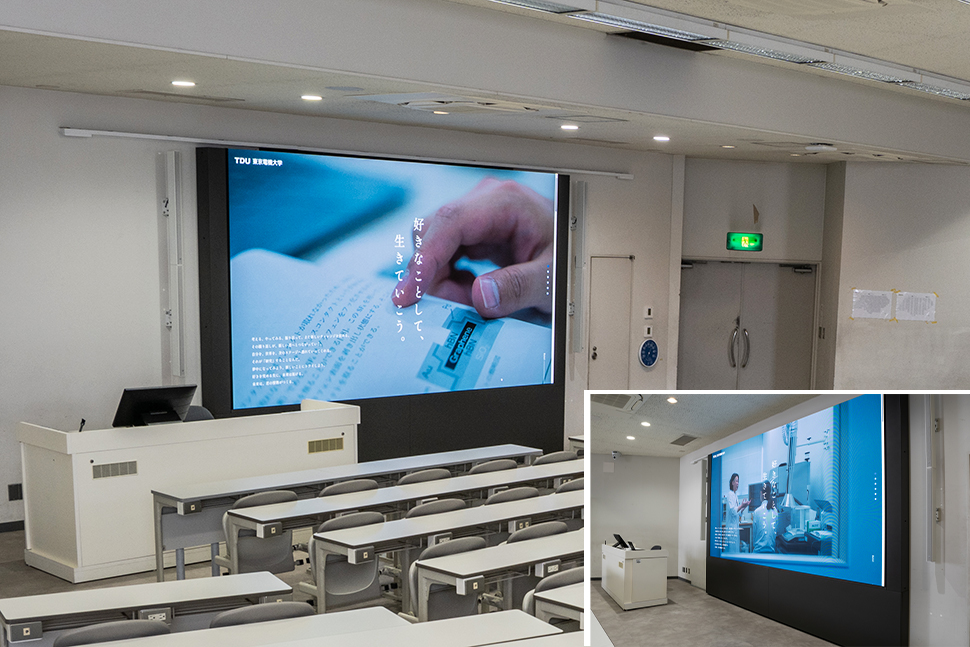
BYOD-Compatible Classroom:
– Converted from a PC-based classroom to a BYOD environment equipped with 90 instructional display monitors (Capacity: 180)
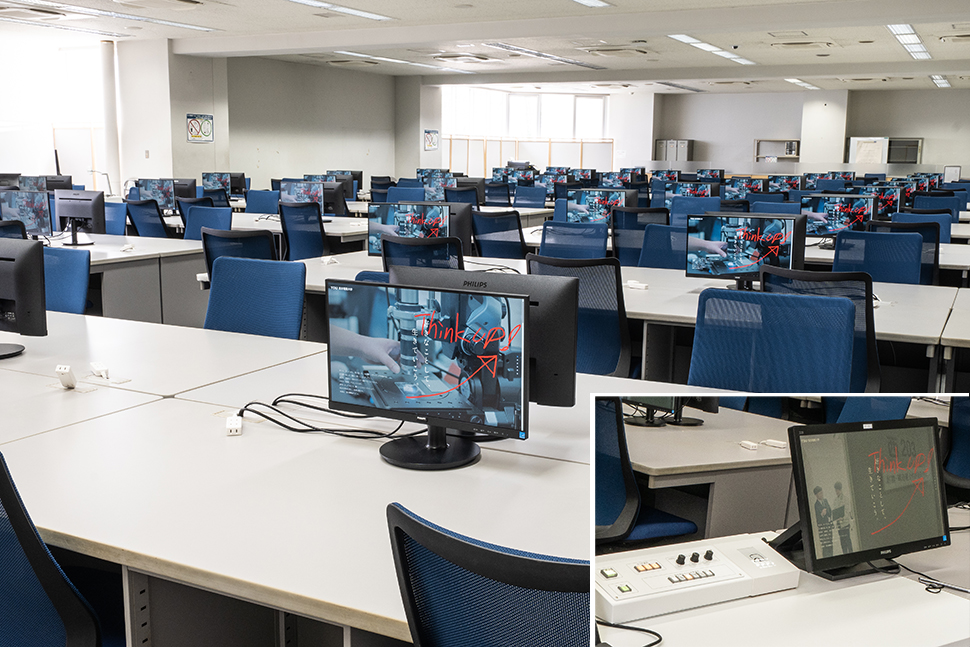
Training Rooms:
– Four classrooms can be used either as one combined space or as separate independent rooms
– Hybrid compatible configuration with annotation functionality
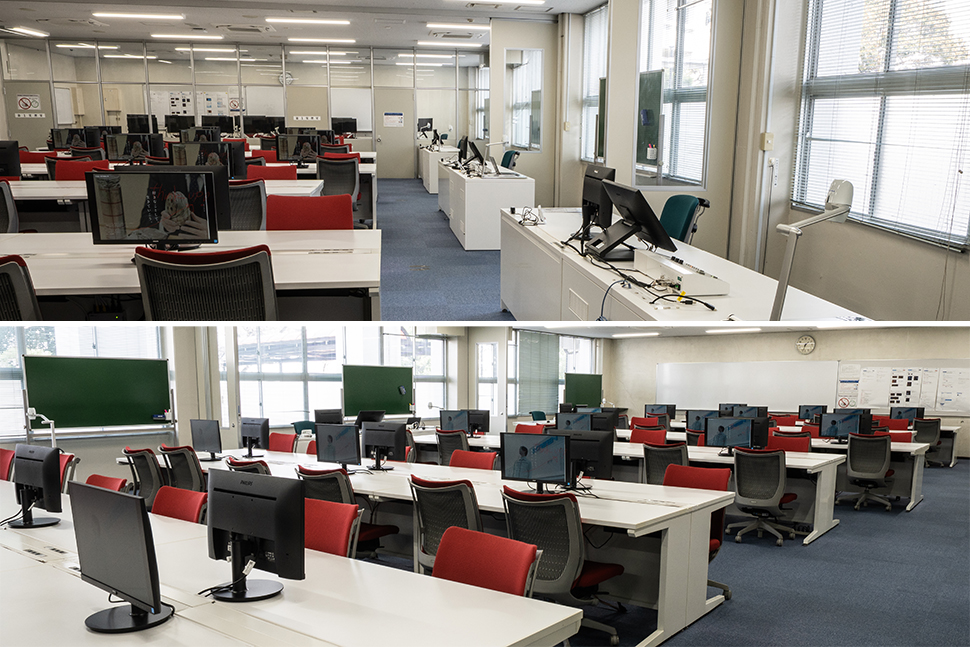
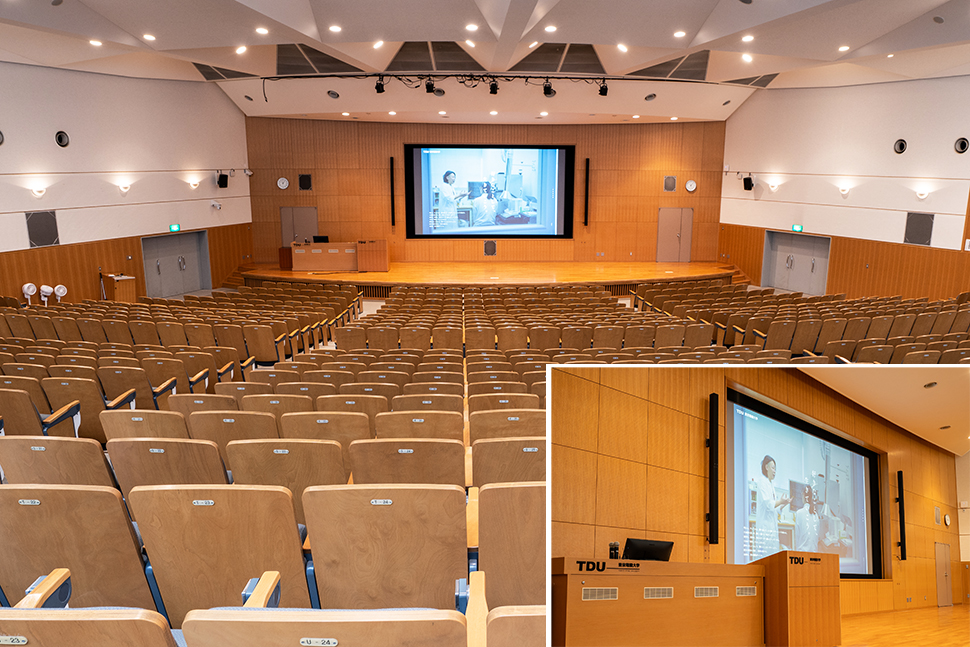
Presentation Hall (Capacity: 952):
– Equipped with a 250-inch rear projection system featuring a 16,500 ANSI lumen projector
– Hybrid compatible configuration with annotation functionality
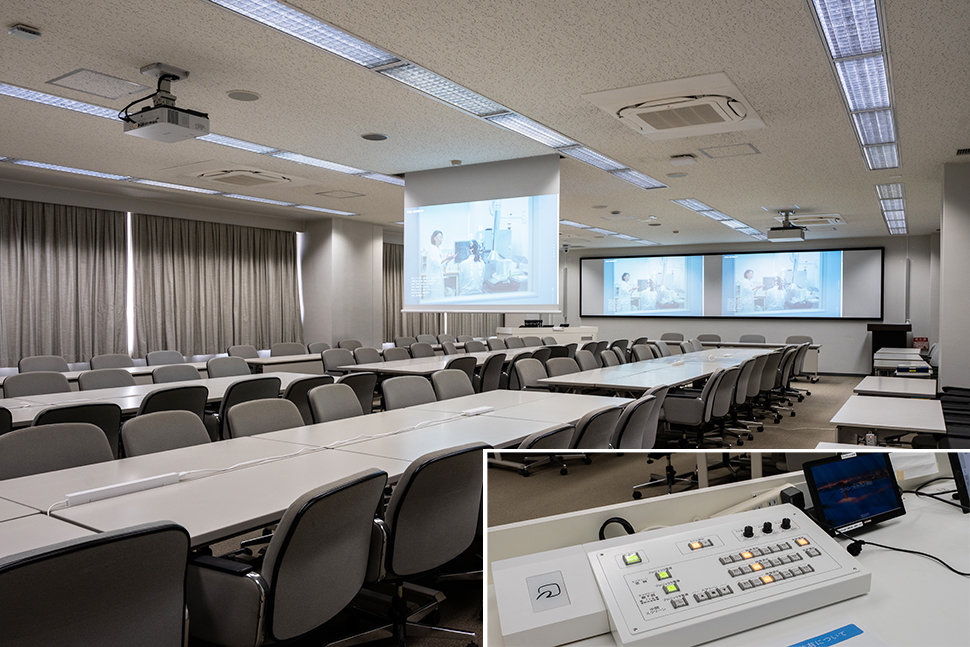
Conference Rooms:
– Equipped with projectors: two front screens and one center screen
– Hybrid-compatible configuration with video conferencing systems
Integrated Classroom Equipment Management and Monitoring System “CRAVS” (Totsu):
– Allows centralized control and monitoring of audiovisual equipment, including operational and usage status.
Card Authentication System:
– Contactless ID card authentication is required to use the equipment
– Access permissions can be configured using faculty/staff and student ID numbers registered on the card
Photos are taken by Totsu Co., Ltd. and reproduction or use of the photographs is prohibited.